以Windows安裝Node-RED
1.先到Node.js官網下載LTS版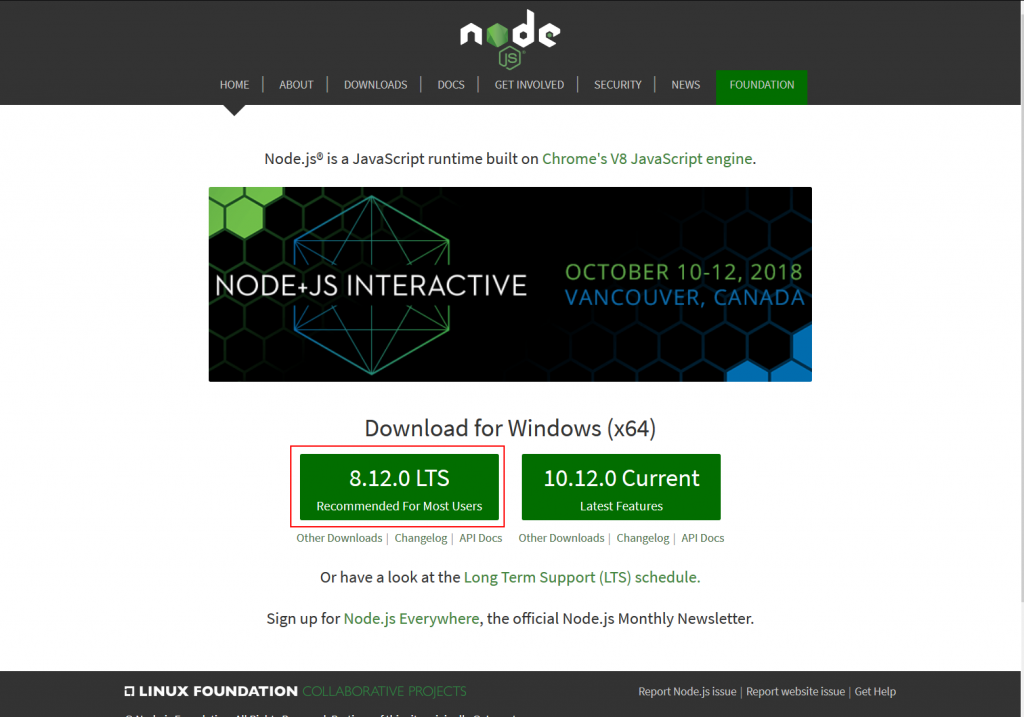
2.執行後一路下一步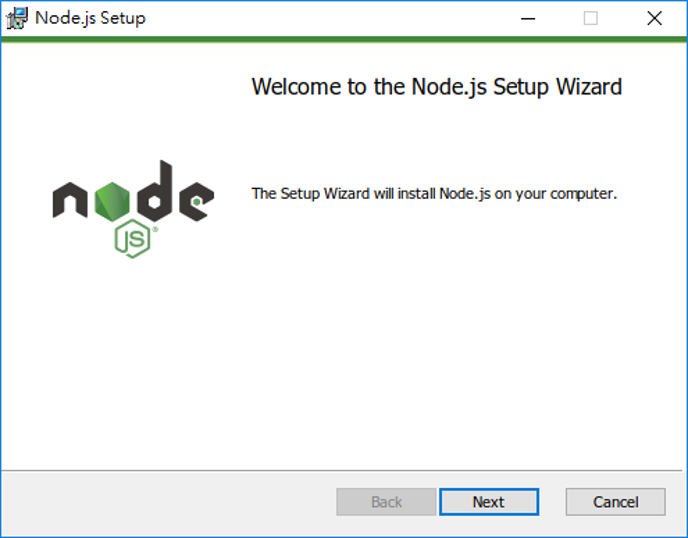
3.確認Node.Js與NPM版本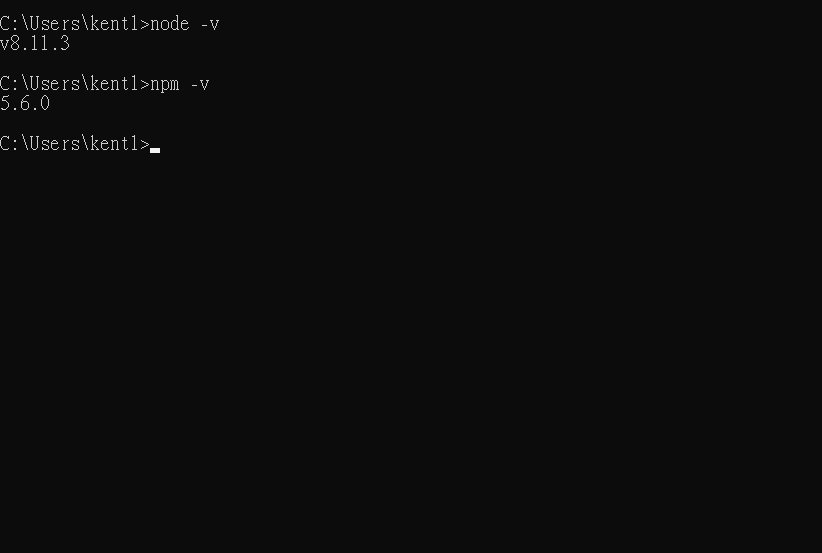
4.輸入 npm install -g --unsafe-perm node-red 安裝Node-RED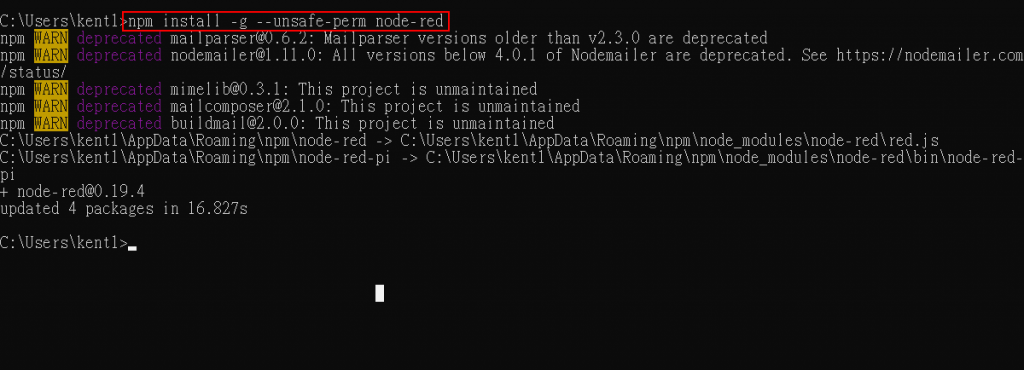
5.輸入node-red啟動Node-RED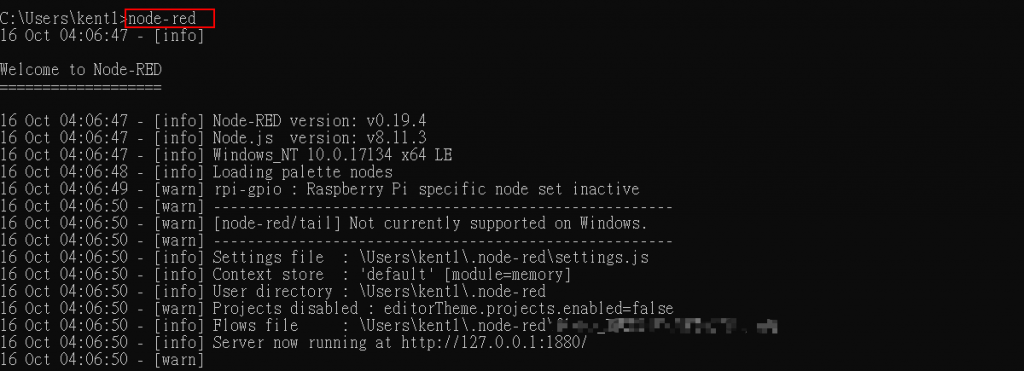
6.啟動瀏覽器 輸入127.0.0.1:1880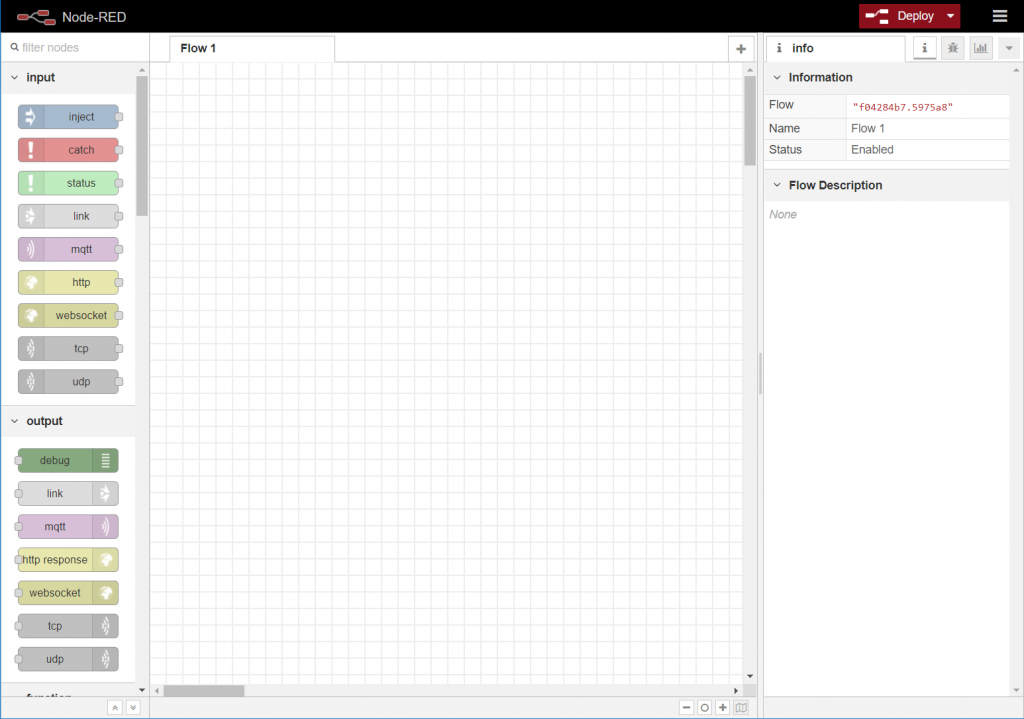
即可使用Node-RED
源自於 https://ithelp.ithome.com.tw/articles/10201795
以Windows安裝Node-RED
1.先到Node.js官網下載LTS版
2.執行後一路下一步
3.確認Node.Js與NPM版本
4.輸入 npm install -g --unsafe-perm node-red 安裝Node-RED
5.輸入node-red啟動Node-RED
6.啟動瀏覽器 輸入127.0.0.1:1880
即可使用Node-RED
源自於 https://ithelp.ithome.com.tw/articles/10201795

DualGate IoT Access System(雙門物聯網門禁系統)-ESP32 Telegram 智慧門禁控制系統 這套整合 ESP32(Wokwi 邊緣端) 、 MQTT Broker ( broker.emqx.io ) 、 Python(中央控制台) 與 Tel...


沒有留言:
張貼留言